A new foobos for iPhone
A new Home, every show on one big calendar, photo cards for every night, show pages with everything you need, and your year in shows.

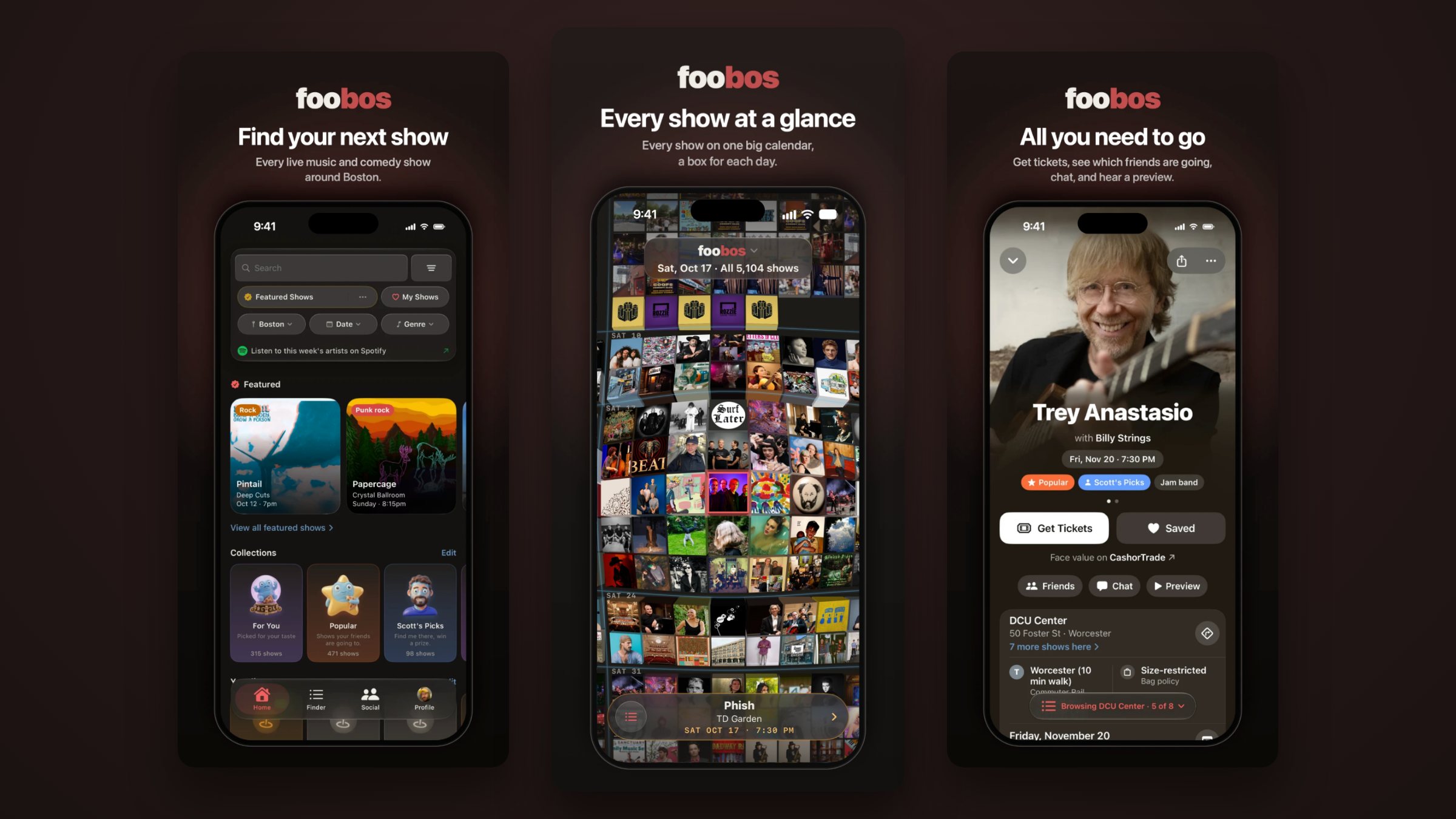
The foobos app for iPhone has a big update. Almost every screen is new, and all of it is built around one question: what should I go see? Here is what changed.
A new Home
Home now opens on everything you need to start looking: search, your saved shows, and quick filters for where, when and what kind of music. Right below are this week's featured shows and your collections, like For You (picked for your taste), Popular (what your friends are going to) and Scott's Picks. There is even a one-tap link to hear this week's artists on Spotify.
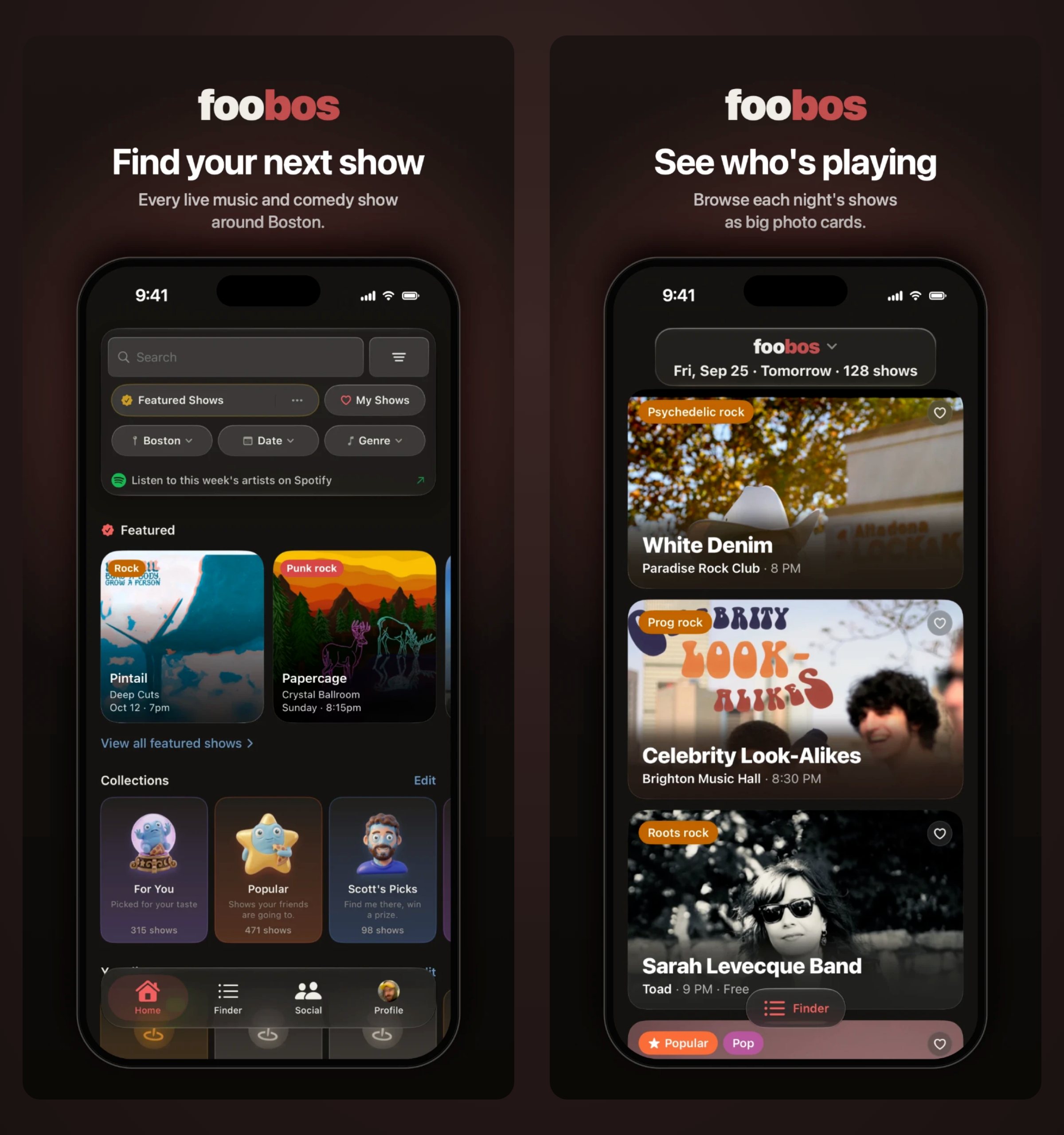
See who's playing
The finder shows each night as big photo cards, so you can scroll a night and actually see who is playing. Each card has the genre, the room and the time, and a heart to save it. The first time you open it, a quick tour shows you around.
Every show at a glance
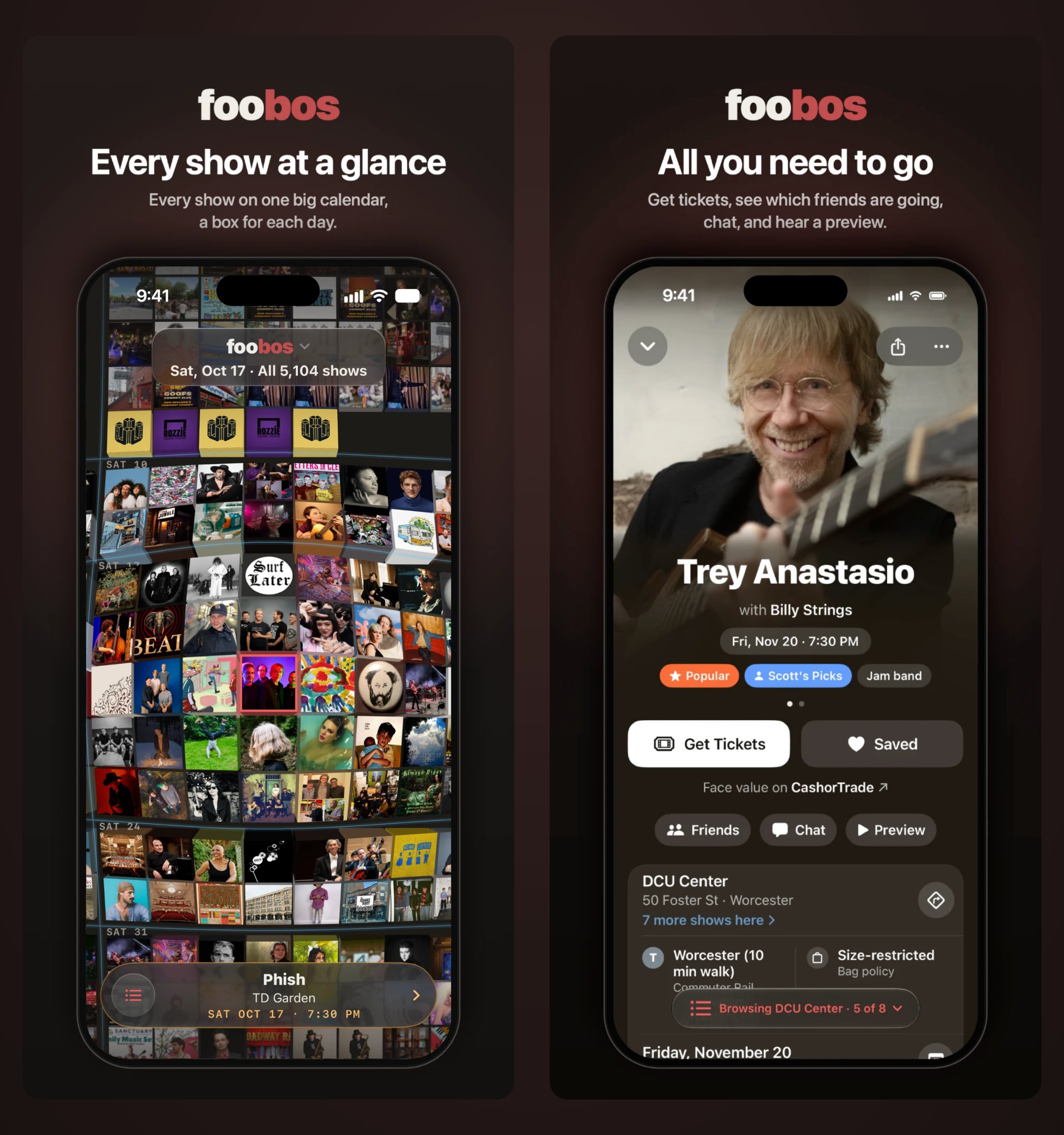
This one is new: every show in greater Boston on one big calendar, a box for each day. Scroll through the weeks, spot a face you know, and tap it to see the show. It is the fastest way we know to take in everything that is coming up.
All you need to go
Show pages are rebuilt from the top. Get Tickets is one tap, with a face-value option on CashorTrade when there is one. See which friends are going, jump into the show's chat, or hear a preview of the artist. Below that: the venue, the nearest T stop and how far a walk it is, the bag policy, and every other show coming up in the same room.
Your year in shows
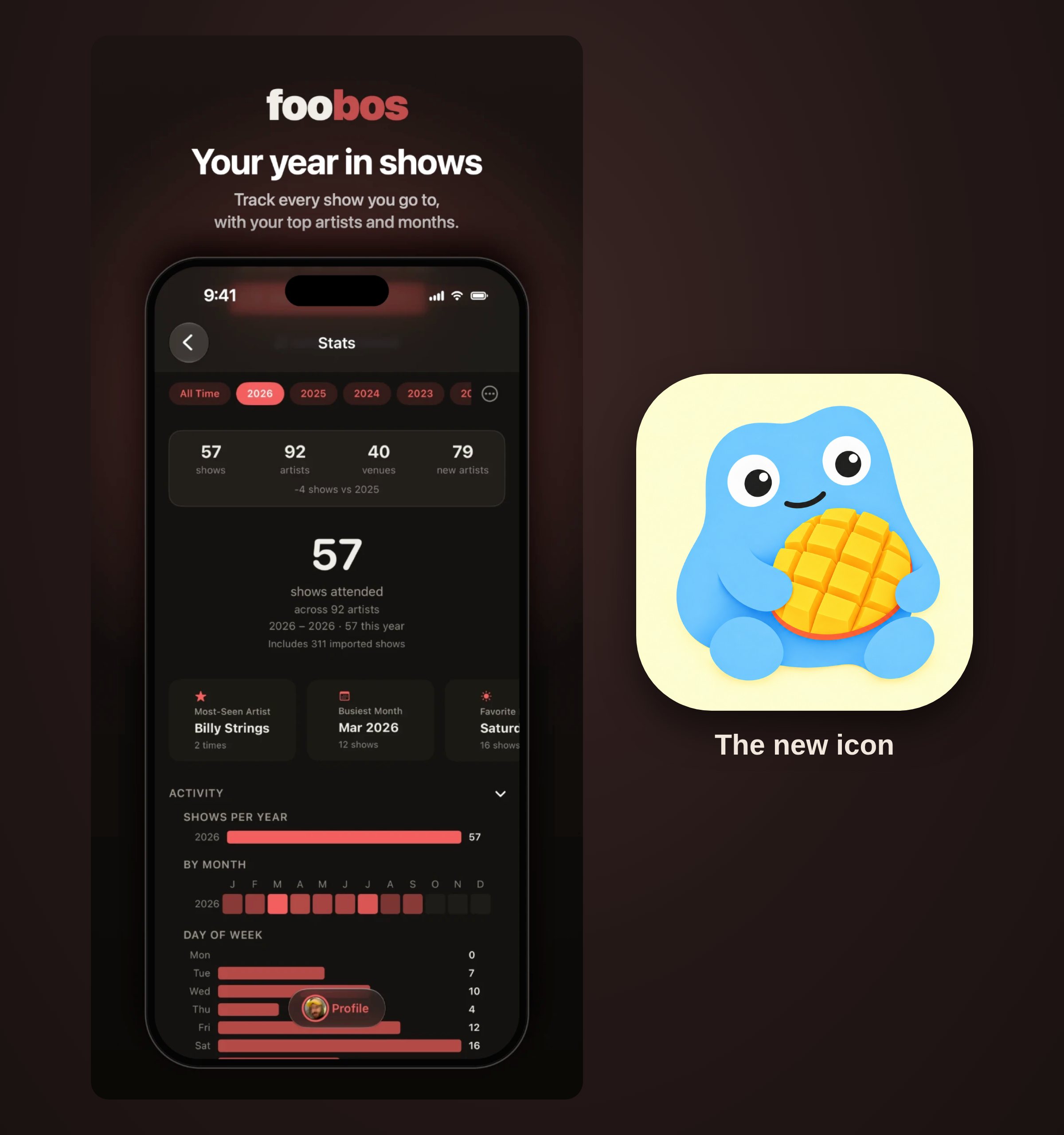
Stats shows every show you have been to: how many shows, artists and venues, how many artists were new to you, your most-seen artist, your busiest month and your favorite night out. Switch between years or see all time, and bring in your past shows so the picture is complete.
And a few more things
- A new icon. Look for the little blue guy with the mango on your home screen.
- News from foobos. Turn it on in settings for the occasional heads-up about big shows and new features. It is off unless you say yes.
- Lots of small fixes and polish across the app.
Get it
Update from the App Store, or get foobos free for iPhone if you don't have it yet. No account needed to look around. And as always, every show is on the finder here on the web too.
Tell us what you think: reply below, or write to scott@foobos.net.
Responses